

Design drift
A new revision is approved, but the affected quantities, packages, and tasks are not always visible.

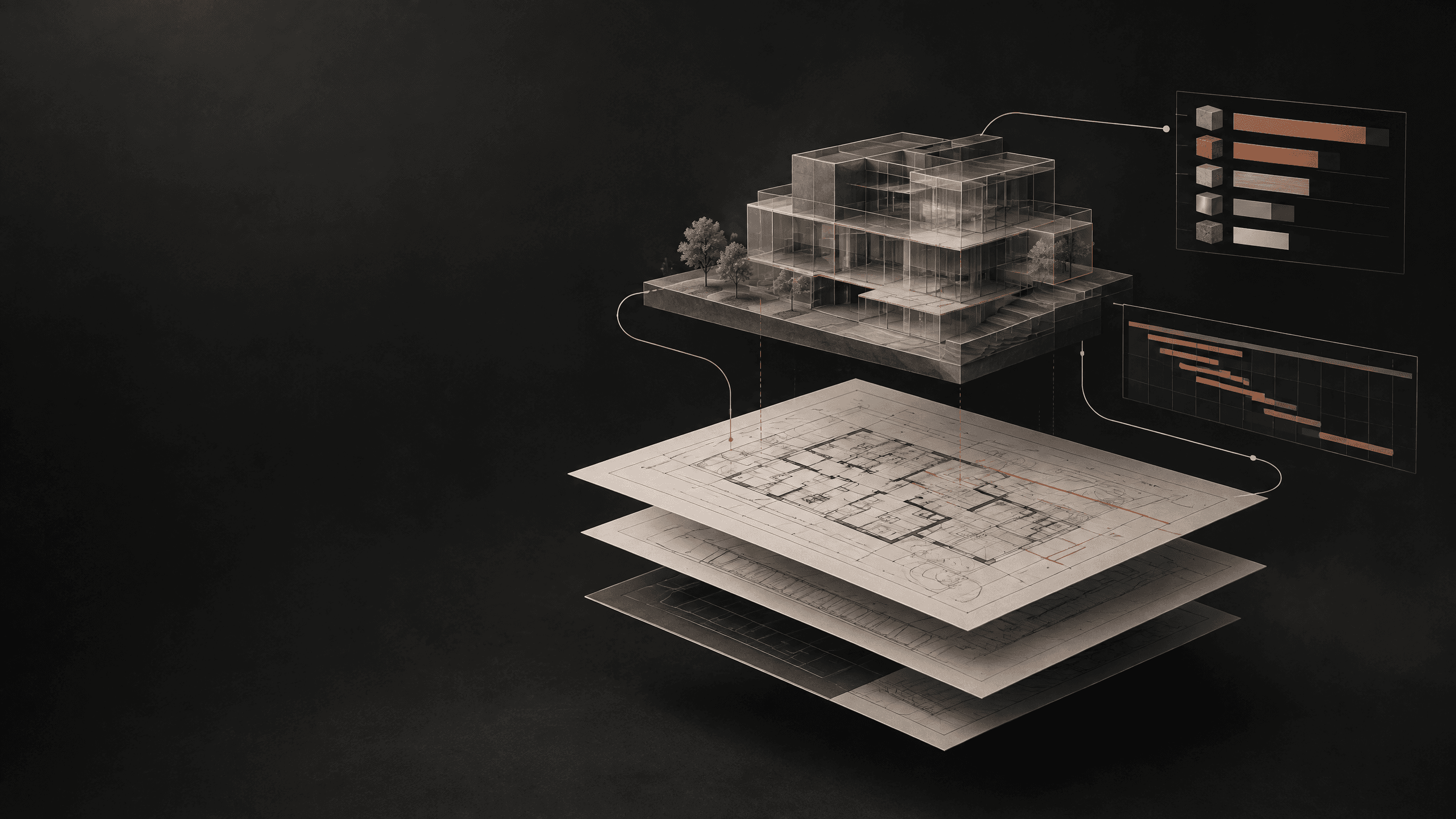
Project operations software for architecture & construction
Studio Black connects design management, procurement, commercial control, schedules, and site progress in one project system. See what changed, what it affects, and what needs to happen next.
The problem mechanism
Drawings are in folders. BOQs are in spreadsheets. RFQs are in emails. Quotations, purchase orders, invoices, schedules, approvals, and site updates are moving in different directions.
A new revision is approved, but the affected quantities, packages, and tasks are not always visible.
Quotes, awards, POs, invoices, and changes are difficult to connect back to the approved scope.
A small decision becomes a delay, cost change, or site issue before the wider team sees it.
The missing layer is not another file. It is project context.
The signature demonstration
A design decision can change more than a drawing. It can affect quantity, supplier scope, quotation value, purchase orders, cost, schedule, approvals, and site work. Studio Black keeps those relationships visible.
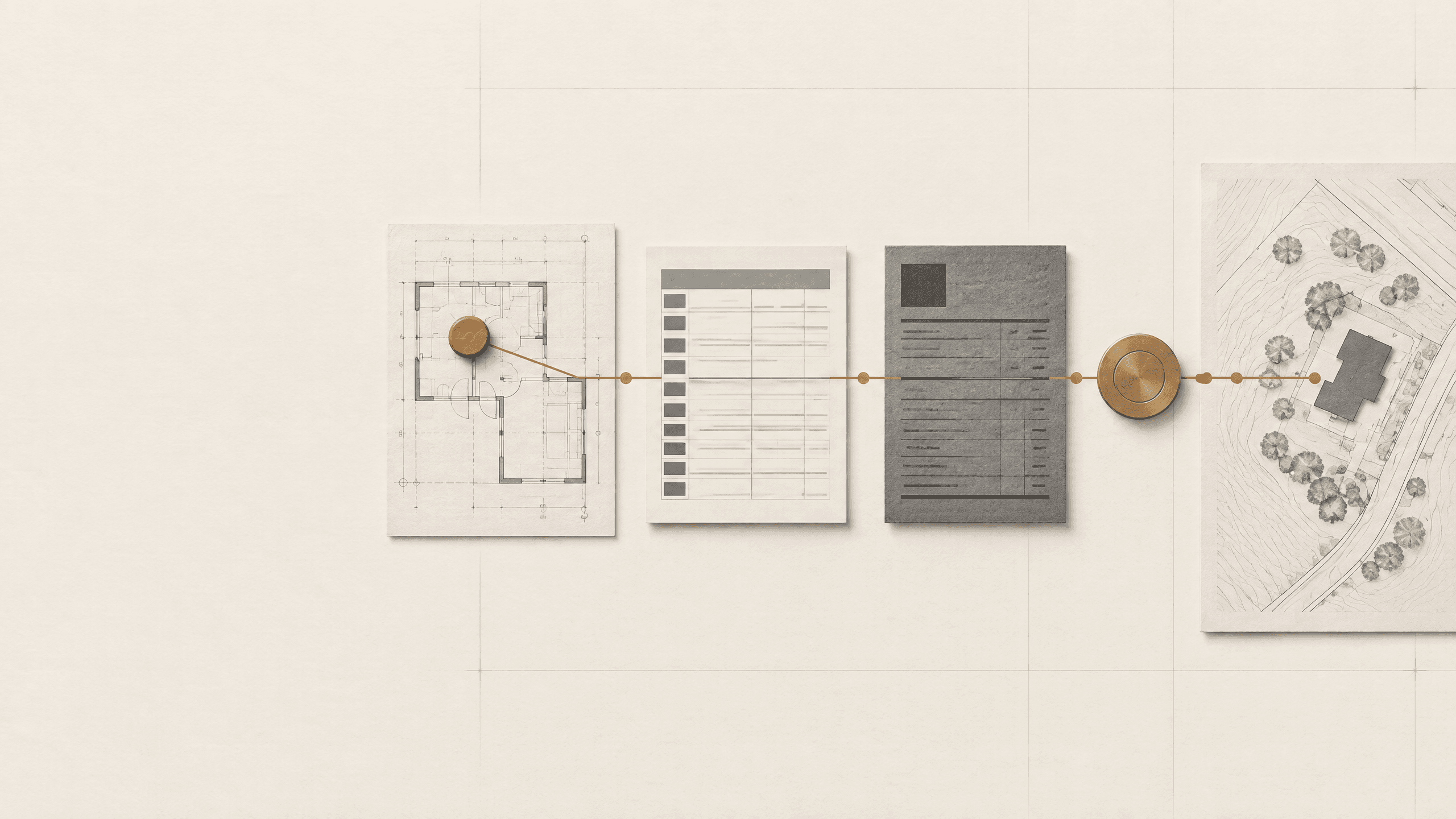 Approved decisionCurrent drawing context · Revision history · Approval workflow
Design management
Organize drawings and disciplines, manage revisions, coordinate markups, route approvals, and preserve the decisions that shape the project.
See the current version, related approvals, and outstanding review items.
Understand what changed and when.
Record comments, decisions, owners, and dates.
Assign issues to people with due dates and status.
Connect relevant design changes to quantities, procurement packages, tasks, and site actions.
The latest drawing is useful. The latest approved decision is better.
Explore Design ManagementProcurement and commercial control
Turn approved scope into a structured BOQ. Send RFQs, compare quotations, review exclusions and lead times, record the award decision, create purchase orders, and keep commercial status connected to the project.
Organize items, quantities, units, packages, and scope.
Send requests and retain supplier responses in context.
Compare rates, quantities, exclusions, taxes, lead times, and notes.
Preserve the selected vendor, approval, reason, and date.
Create POs from approved awards while retaining the source link.
Track committed cost, changes, invoices, and pending decisions.
Do not only compare the price. Understand the decision behind it.
Explore ProcurementConstruction delivery
Plan activities, assign responsibilities, track milestones, record site updates, manage snags, and make the next action clear to every stakeholder.
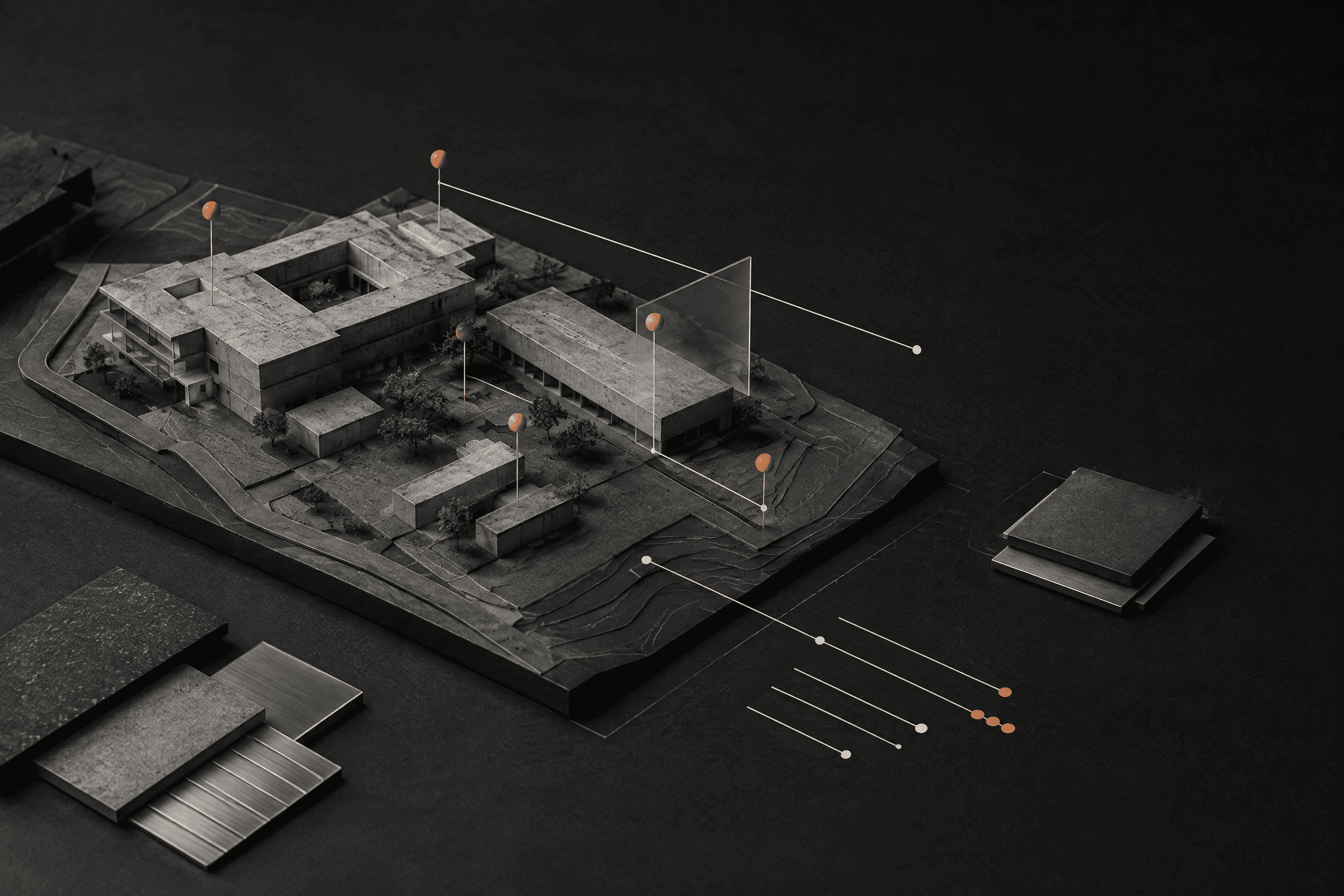
Project delivery
Schedules and milestones. Site updates. Snag and issue management. Progress against plan. Stakeholder visibility.
AI and project intelligence
Studio Black’s AI helps teams find information, understand changes, compare options, summarize project status, and surface actions from approved project data.
Ask a project question and find the answer with links back to source records.
See what changed and identify the drawings, quantities, approvals, tasks, or packages it may affect.
Compare quotations and highlight gaps, exclusions, lead times, and unusual differences.
Summarize approved budget, commitments, invoices, changes, and unresolved commercial items.
Surface overdue actions, pending approvals, and signals that may affect milestones.
Turn site updates into a clear view of progress, issues, and next actions.
Ask what changed. See what it affects. Decide what happens next.
Before and after workflow comparison
The exact workflow depends on your project setup and the Studio Black modules enabled.
Role-based value
Keep revisions, approvals, and downstream impacts connected.
Track responsibilities, dependencies, milestones, and open actions.
Compare quotes and keep purchasing linked to approved scope.
Connect budget, PO, invoice, change, and progress information.
Share progress, issues, evidence, and actions from the field.
See a clear, permissioned view of progress, costs, decisions, and risks.
Founder and practice story
Studio Black began inside an architecture practice. We saw how quickly a project could become fragmented when drawings, decisions, procurement, costs, schedules, and site updates lived in different places.
Studio Black was built to connect that work and make project decisions easier to see, follow, and act on.
“The workflow between the drawing and the site.”
 Project Workflow Review
Project Workflow Review
Tell us how your team manages drawings, approvals, procurement, costs, schedules, and site updates. We will show you where information is being lost and which Studio Black workflow could improve visibility first.
Implementation and trust
Studio Black can begin with one project, one team, or one workflow. Bring in the information you already use, define roles and approvals, and expand as the system becomes part of the way your team works.
Tell us how your team manages drawings, approvals, procurement, costs, schedules, and site updates. Studio Black will show where information is being lost and which workflow could improve visibility first.
Studio Black can begin with one project, one team, or one workflow, then expand as the system becomes part of the way your team works.
Studio Black connects design management, procurement, commercial control, schedules, and site progress in one project system.